Getting Started
Prerequisites
Norn requires the following tools. Run make prereqs to check which are installed:
| Tool | Purpose | Install |
|---|---|---|
| Go (1.25+) | API server and CLI | brew install go |
| pnpm | UI package manager | npm i -g pnpm |
| PostgreSQL | Primary datastore | Postgres.app |
| Docker | Container builds | Docker Desktop |
| kubectl | Kubernetes CLI | brew install kubectl |
| sops | Secret encryption | brew install sops |
| age | Encryption backend | brew install age |
Kubernetes is optional for local development. The API starts in local-only mode when no cluster is available — K8s-dependent actions (deploy, restart, rollback, logs) return a clear 503 error.
Setup
git clone git@github.com:antiartificial/norn.git
cd norn
make setup
This runs three steps:
make prereqs— checks that all required tools are installedmake db— creates thenornPostgreSQL user andnorn_dbdatabase (idempotent)make deps— installs UI dependencies (pnpm), downloads Go modules for API and CLI
Start development
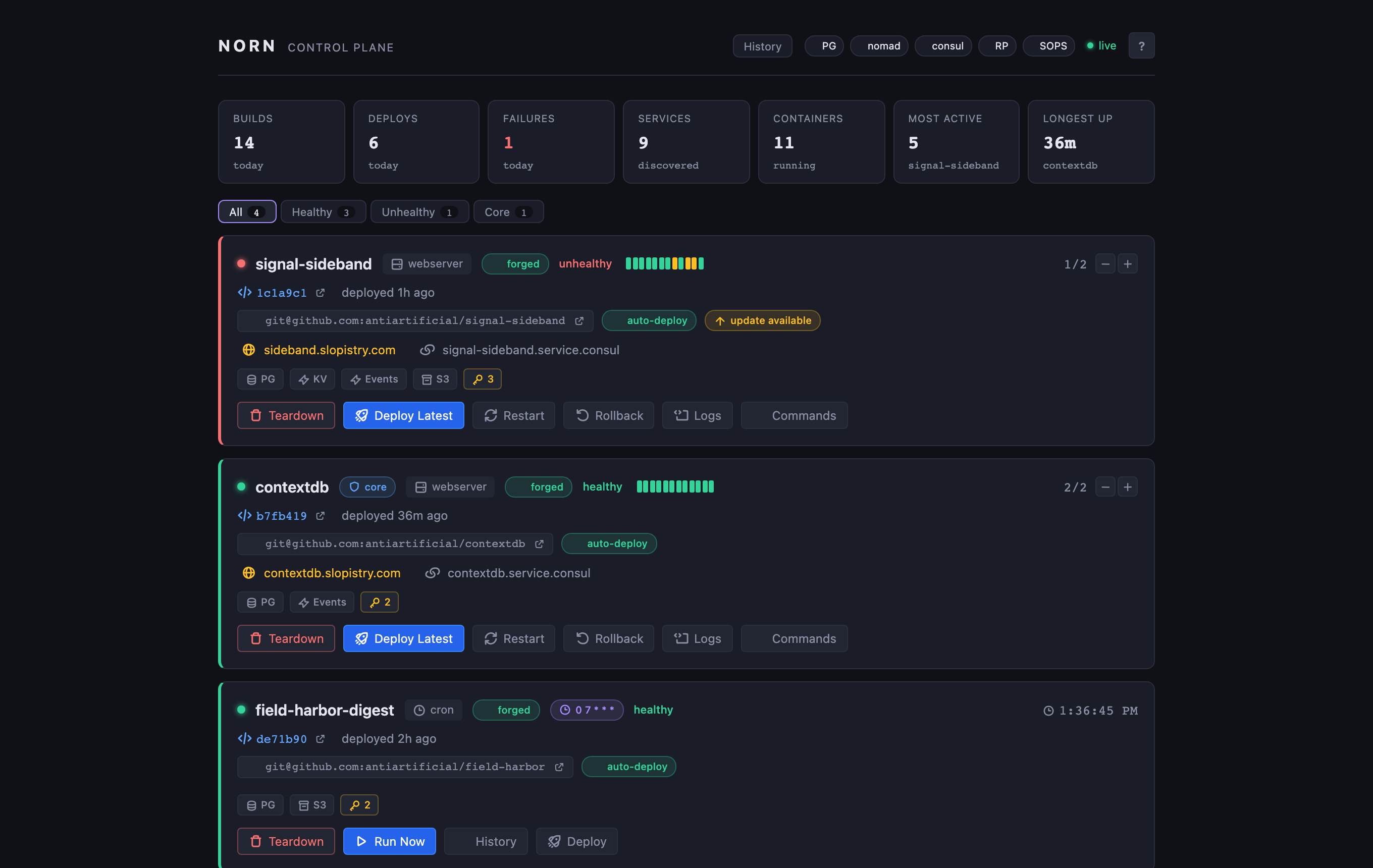
make devThis starts two processes in parallel:
- API at localhost:8800 — Go server with chi router
- UI at localhost:5173 — React + Vite dev server
Open the UI and you'll see a welcome tour walking you through the basics.
Build the CLI
make cli        # build to bin/norn
make install    # build + symlink to /usr/local/bin/norn
Verify the installation:
norn version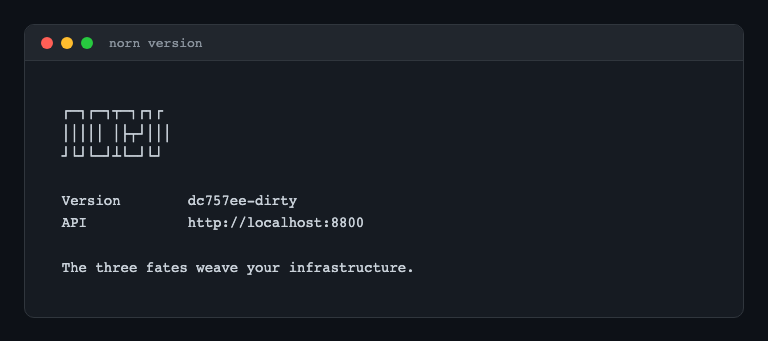
The CLI connects to the API at http://localhost:8800 by default. Override with NORN_URL or --api:
export NORN_URL=https://norn.example.com
norn status
First deploy walkthrough
1. Create an infraspec
Create ~/projects/myapp/infraspec.yaml:
app: myapp
role: webserver
port: 3000
healthcheck: /health
hosts:
  internal: myapp-service
build:
  dockerfile: Dockerfile
  test: npm test
2. Verify discovery
norn statusYou should see myapp listed with a health indicator.
3. Forge infrastructure
Before deploying, forge the Kubernetes resources:
norn forge myappThis creates the K8s deployment, service, and optionally configures Cloudflare tunnel routing.
4. Deploy
norn deploy myapp HEADThe CLI shows a live pipeline with spinners for each step: clone, build, test, snapshot, migrate, deploy, cleanup.
5. Check health
norn health          # all backing services
norn status myapp    # detailed app view with pods
norn logs myapp      # stream live logs
Shared infrastructure
Some apps need Valkey (Redis-compatible KV) or Redpanda (Kafka-compatible event streaming):
make infra       # start Valkey (:6379) + Redpanda (:19092)
make infra-stop  # stop them
These run via Docker Compose in the infra/ directory.
Diagnostics
make doctorChecks the health of PostgreSQL, the API, UI, Valkey, Redpanda, Kubernetes, and SOPS age key — with clear status indicators and fix hints.
Next steps
- Concepts — understand infraspec anatomy and app roles
- Infraspec Reference — every field documented
- Architecture Overview — how the pieces fit together
- CLI Commands — full command reference